
How to Search for a Warrant in Panola County
Panola County has no single sheriff-hosted warrant search. Read the court name on your paperwork, then use its case or citation portal to find the file. The JP1, JP2/3, and Carthage Tyler sites are separate. The District Clerk’s county case-summary route covers another lane.
Use a cause or citation number when you have one. If not, use only the details needed to find your own case. Then call the clerk to ask whether an FTA, warrant, capias, or recall entry is current. The county Sheriff’s Office can help route an unknown question at 903-693-0333.
- Use the portal for the named JP or municipal court to locate the citation or case.
- For a district or felony file, check the District Clerk’s public case route and ask which court holds it.
- Call the issuing clerk to confirm an active warrant, capias, recall, or required appearance.
- Call the Sheriff’s Office for execution routing, or request a specific historical record through the right clerk or PIA office.
- Use DPS only for an FTA/FTP license report, then contact the issuing court about the underlying matter.
Panola County Has No Public Warrant List
The Sheriff’s Office page links inmate and jail-record tools, but it does not publish an active-warrant list or warrant-search portal. Call 903-693-0333 for routing. The Detention Center at 903-693-0359 answers a separate custody question.
For a past county-held document, use the Panola County Public Information Act page or ask the proper court clerk. A broad request for “all warrants” can cross city, JP, county, juvenile, and federal records that the sheriff does not hold as one file.
Panola County Warrant Search Fields
Panola court portals search cases and citations, not a shared warrant index. JP1, JP2/3, and Carthage expose several ways to find the file. Use the cause or citation key first when it is available; the clerk must still confirm warrant status.
| Field Label | Type | Required | Notes |
|---|---|---|---|
| Citation or case number | Text | Optional | Best key when printed on the court paper |
| Driver’s license | Number plus state | Optional | Search field shown on the Tyler court forms |
| SSN and date of birth | Number plus date | Optional | Sensitive fields; use only for your own case |
| Plate and state | Text fields | Optional | Searches a case or citation record, not warrant status |
| Name and date of birth | Text plus date | Optional | Can help narrow a common name; ask the clerk to verify |
| Business name | Text | Optional | Available on the inspected Tyler search forms |
Panola County Warrant Checks Use Separate JP Portals
The inspected JP1 and JP2/3 pages show separate forms and separate court routes. JP1’s search form is at Room 105; JP2/3’s form is at Room 103. Their office pages list different phone numbers.
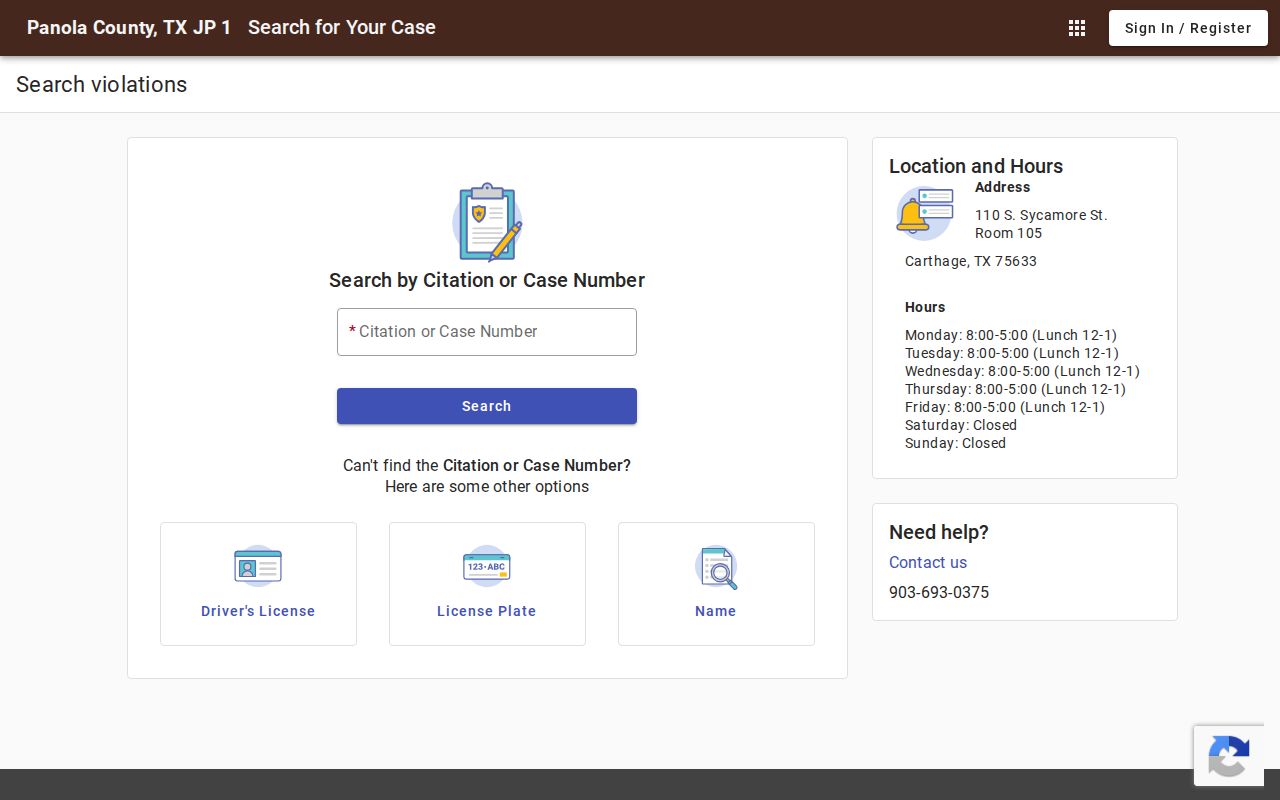
This image shows a JP1 case-search form, not an active warrant roster. Use the portal to locate a case, then confirm its status with the issuing court.
The JP2/3 search page uses the same broad field families. Keep the precinct shown on the citation in view before choosing the site.
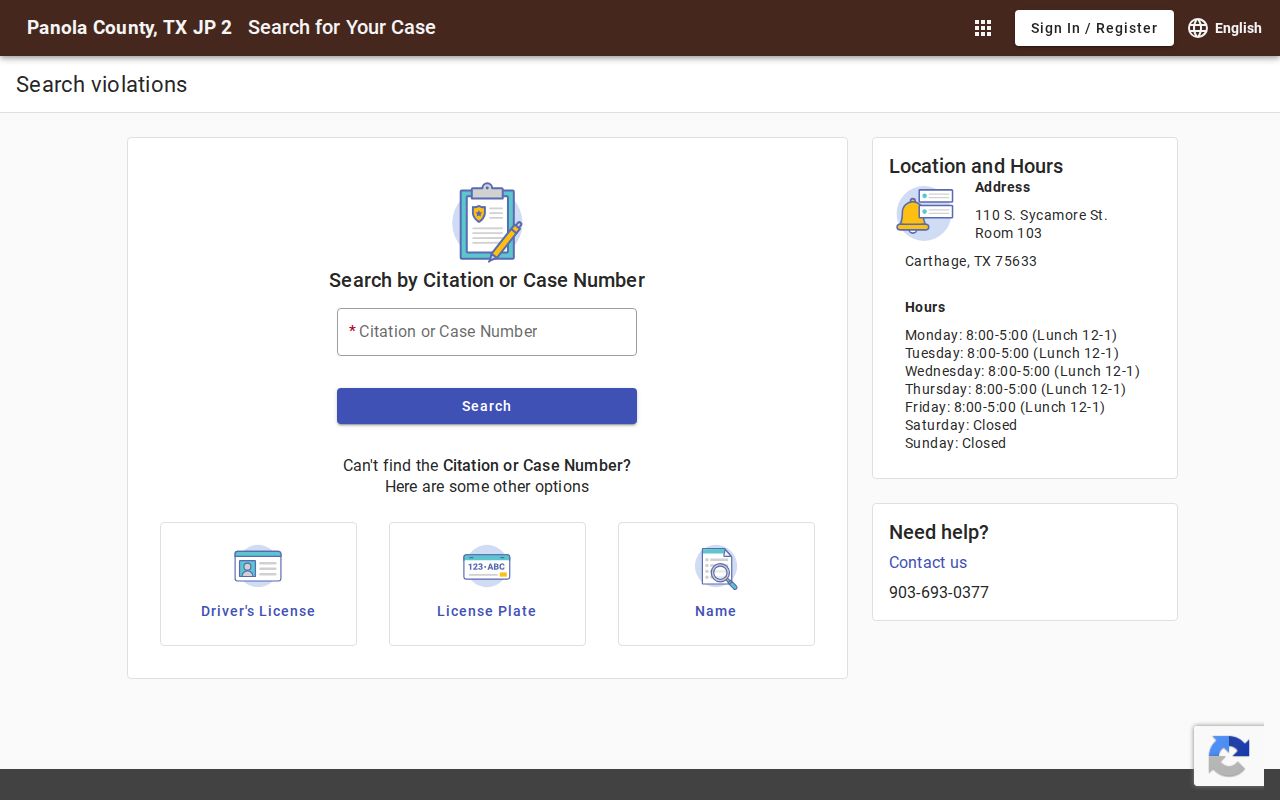
The two portals do not merge their results. A missing match in one precinct is a reason to check the court named on the citation, not to assume no warrant exists.
What a Panola County Warrant Search Returns
A Panola portal result is a case lead. It may help identify the citation, court, amount, or docket event, but the inspected search forms do not promise a complete warrant record or a last-updated time. Read the court label and cause number first.
| Example citation key | PD123456 is a format example for an older Carthage citation, not a warrant number. |
|---|---|
| Case or cause | Identifies the court file to ask about |
| Process name | May appear as FTA, warrant, capias, or capias pro fine |
| Dates and return | Ask for issue, execution, return, and recall events when available |
| Amount | Could refer to a bond, fine, costs, or judgment; confirm the label |
| Status | Have the issuing clerk confirm the current court entry |
Panola County Warrant Lookup Uses a Carthage Citation Prefix
Carthage Municipal Court says citations written before January 1, 2026 need “PD” before the citation number. A citation from that period might look like PD123456. Newer citations use the number alone.
The official Carthage portal publishes the format rule. If a search fails, check the date and prefix, then call the court at 903-693-5032. A portal miss is not proof of no Panola warrant.
The image assigned to the Carthage city page illustrates its portal. It does not show a named warrant record or confirm whether a specific process is active.
Where Panola County Warrants Are Checked
JP1/4 and JP2/3 handle their own justice-court citations. Carthage Municipal Court has its own city portal. Tatum directs court questions to its clerk. The District Clerk handles district filings, while the County Court at Law may hold an assigned felony case. The sheriff answers execution or custody routing.
The Texas court-role overview explains why city, JP, and district records do not share one search. Texas DPS and OmniBase handle reported FTA/FTP license consequences, not a public statewide warrant list.
Panola County Warrant Search Uses a Live Court Directory
When the paperwork does not show the right court, use the county staff directory or the Texas Office of Court Administration’s live directory to find an office. OCA says its directory is updated as information arrives, so an old PDF may lag behind the current contact entry.
Open the OCA directory to identify a listed court, then call that clerk about the record. The linked image shows the directory interface; it does not display or certify warrant status.
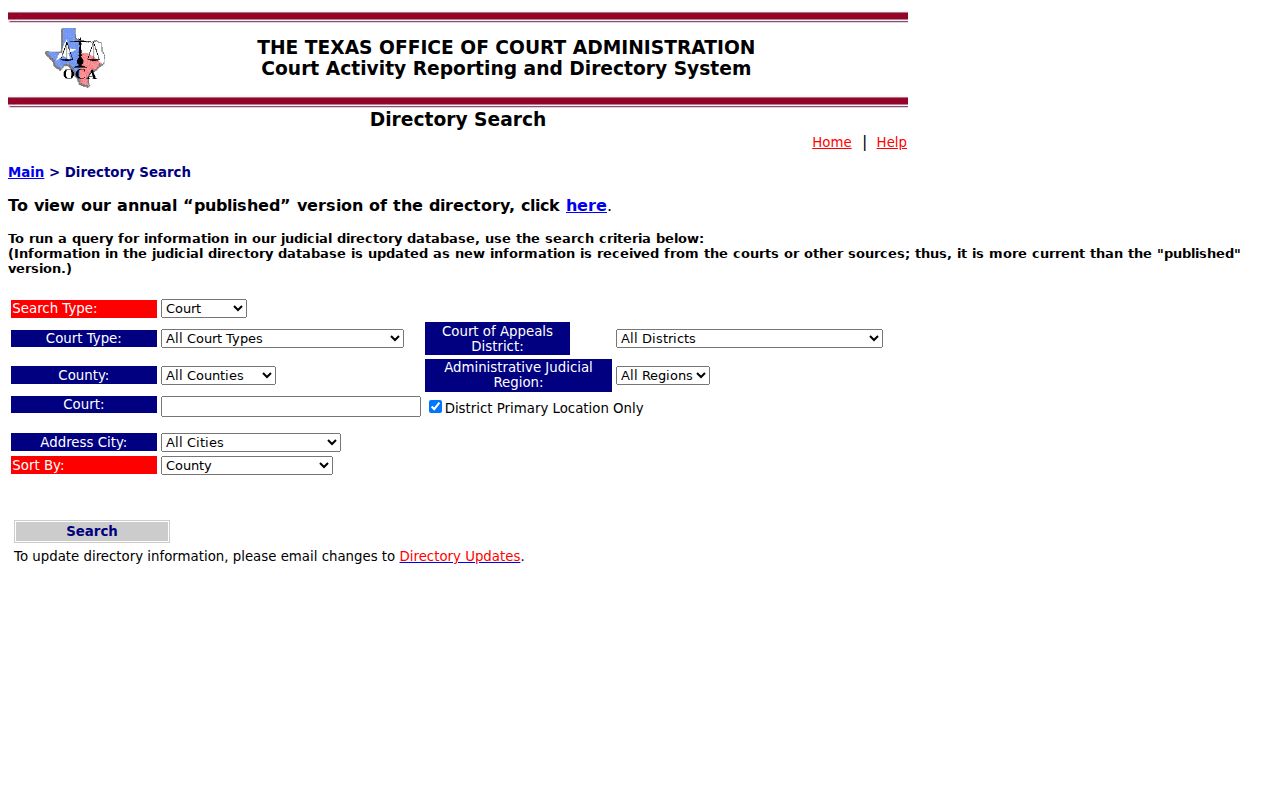
The Panola County staff directory remains the local route for JP, county court, clerk, sheriff, and constable contacts.
Texas court jurisdiction information helps distinguish a city matter from a JP or district case.
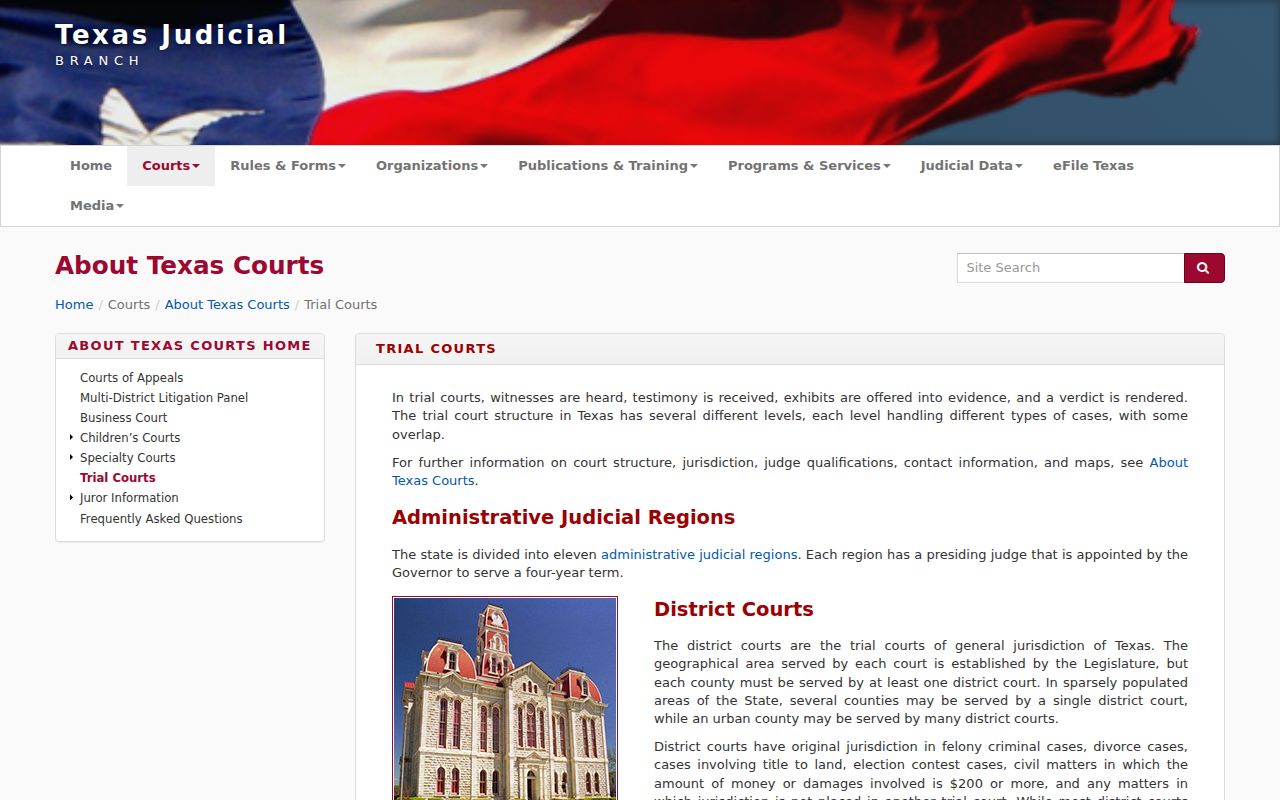
These directories help route a search. The issuing clerk still has to confirm whether process was issued or recalled.
Restricted Warrants and Access Rules
Texas Government Code Chapter 552 covers county-held information, subject to exceptions. Under Code of Criminal Procedure Article 15.26, an executed adult arrest warrant and supporting affidavit are available through the magistrate’s clerk. Juvenile arrest warrants are confidential under Family Code §58.010, and other records may be withheld or redacted.
Key Rules:
Texas Government Code Chapter 552 allows public access to government information while preserving statutory exceptions.
Article 15.26 makes an executed warrant and affidavit available for public inspection through the magistrate’s clerk.
Family Code §58.010 makes a child’s arrest warrant and supporting complaint or affidavit confidential.
A portal’s empty result does not prove that no warrant exists; the record may be held by another court or restricted by law.
Panola County Warrant Copy Fees Depend on Record Type
The District Clerk’s request form lists a five-dollar search fee when the cause number is unknown and a one-dollar-per-page copy fee. Its normal processing estimate is two to three days, with the form giving a longer outside estimate of up to ten business days. Confirm the current fee and delivery method before ordering.
Those terms apply to the District Clerk’s records process; they are not a countywide warrant fee schedule. The County Court at Law, JP courts, and city courts may use different request channels. Ask the likely custodian for an estimate and narrow a request by court, date, cause number, and record type.